01
Guest panel
Lets guests select a room scene, request privacy or ask for housekeeping.
Guests can control lighting, temperature and curtains, and send service requests from their room.
Discuss a pilot at your site ↗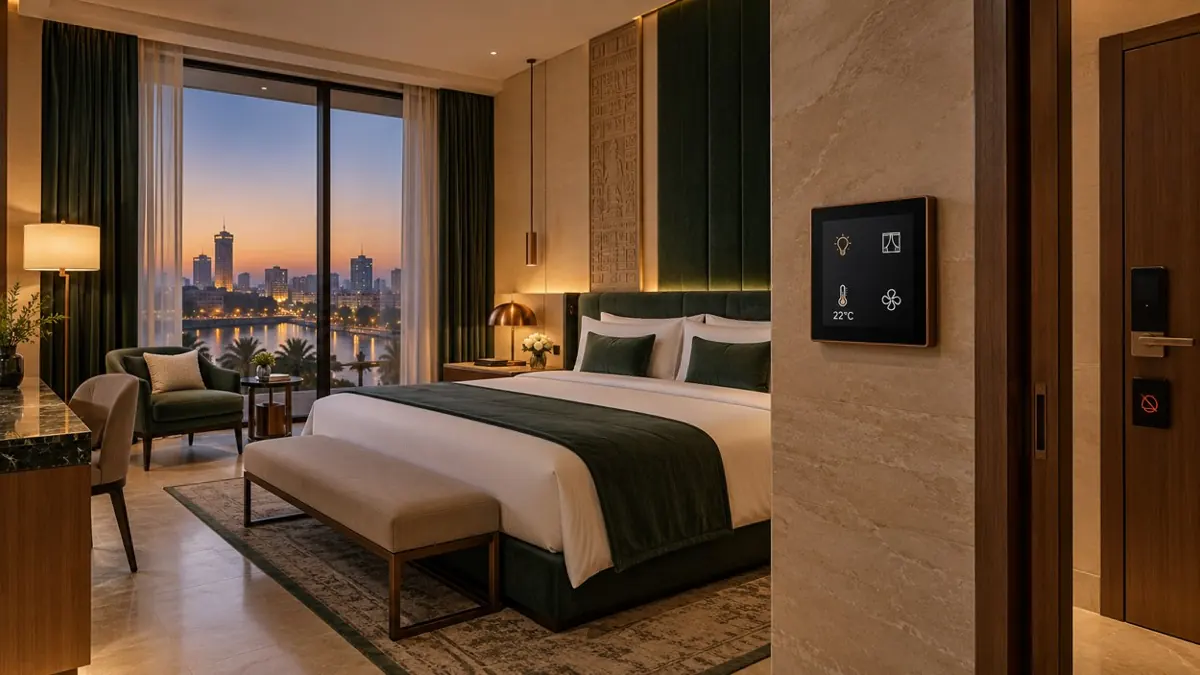
The guest selects night mode on the bedside panel. The room controller sets the agreed lighting levels and curtain position. The guest can adjust the temperature or lighting locally to suit their preferences. The guest sees the lights and curtains respond to the selected settings.
Night mode changes the room settings. The guest requests housekeeping separately from the panel.
Local devices control one room. A gateway shares its status with hotel staff.
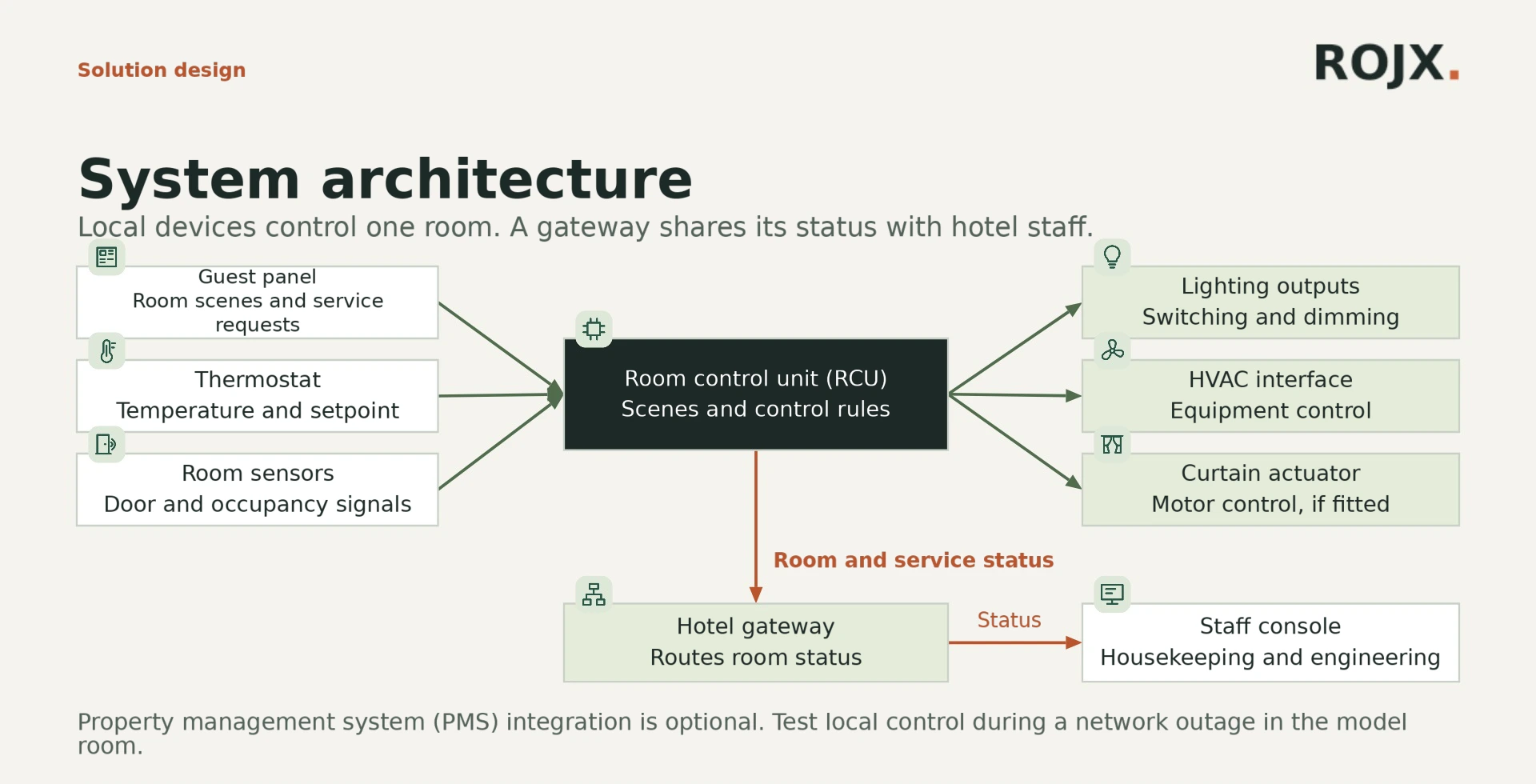
Lets guests select a room scene, request privacy or ask for housekeeping.
Measures room temperature and accepts the guest’s setpoint.
Detect door status and room occupancy.
Applies scenes, guest adjustments and occupancy rules.
Relays and dimmers operate the lighting circuits.
Sends commands to compatible HVAC equipment.
Operates motorized curtains where fitted.
Shares room status with hotel operations systems.
Displays service requests to authorized staff.
Bring the room plan, circuit schedule and the hotel operator’s guest room standards.
Discuss a pilot at your site ↗Night mode adjusts lights and curtains. The guest separately selects Make Up Room or Do Not Disturb on the room panel.
Disconnect the central service in a model room and verify which local controls remain available with the selected equipment.
Room type, HVAC control method, circuit schedule and hotel operator standards.